


 On air
 Now playingA Design for LifeManic Street Preachers


 Live
Choose a station
Breaking stories, announcements and tour news.
LiveNewsroomEvery story as it lands, through the day.

Cover stories, interviews and long reads.
In the November issueNieve Ella, Jamie T, Rachel Chinouriri, Remi WolfAlbums, live, film & TV and games.
Release CentreOut this FridayEvery new album worth hearing, and what’s coming next.

Line-ups, guides and live reviews.
The November issue is out now.
Every issue, digitallyThe whole magazine archive, read it first, no ads.On the covers: Nieve Ella, Jamie T, Rachel Chinouriri, Remi Wolf. Four collectable covers, the same issue inside.
 Popzines · DRK0001Glass Animals‘How To Be A Human Being’ · 10th Anniversary EditionOne-off collector’s editions, each built around a single artist, album or moment.SubscribeTwelve issues to your doorNever miss a cover. UK, Europe and USA.Back issuesThe magazine archiveBack issues and the digital archive.
Gig listings, and the shows we put on ourselves.
Festivals2027 line-upsEvery festival we cover: who’s playing, when and where.Every section, format and directory, in one place.
Sessions, podcasts and Dork Radio.
 On air · DORK 1A Design for LifeManic Street Preachers


Dork Radio: always on. Pick a station and keep reading while it plays.
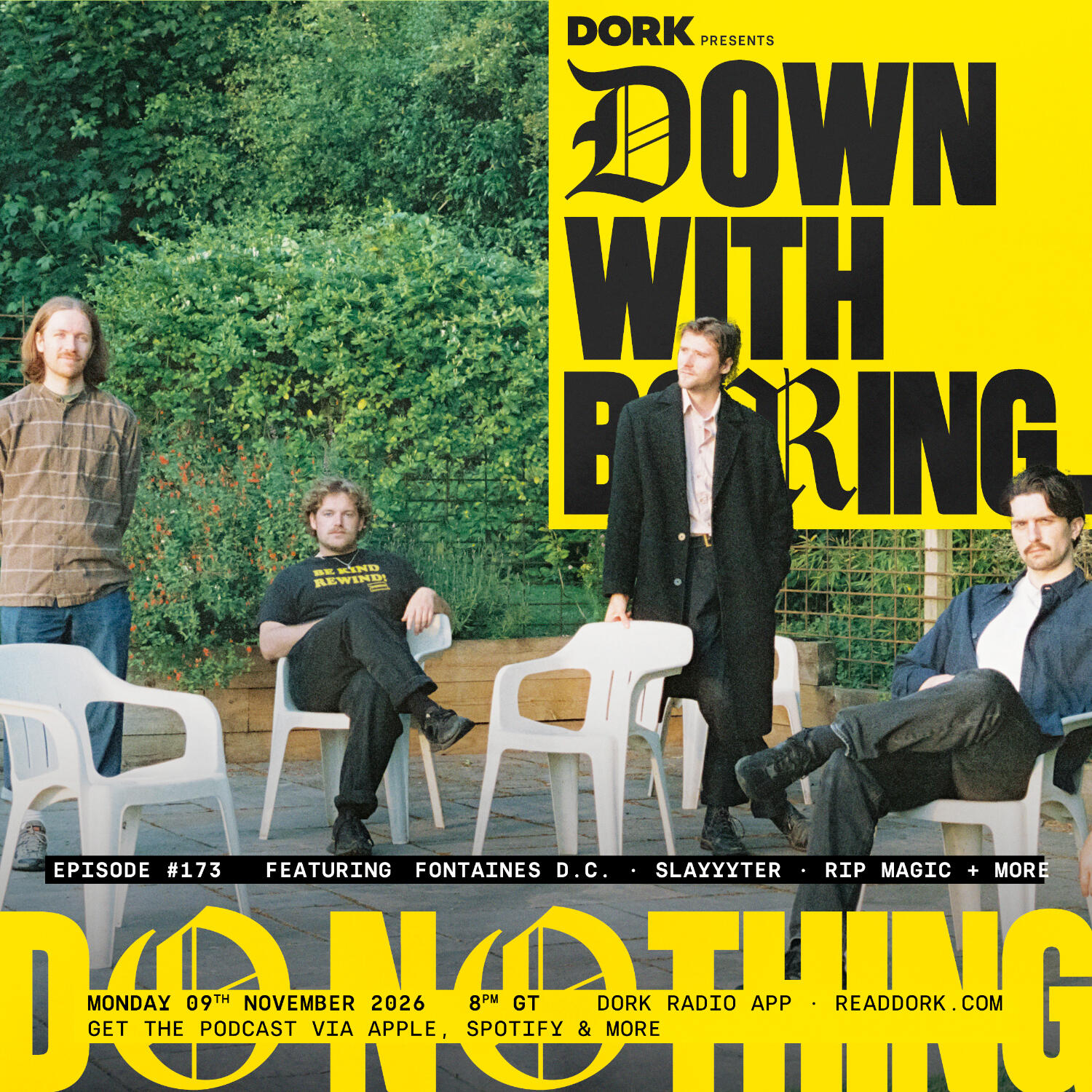 Down With Boring · Ep 173Do NothingOn airNow playingA Design for LifeManic Street Preachers
 On air
 Now playingYou're Not Special, BabeOrla Gartland


 On air
 Now playingthat's my beach!horsegiirL


 Until 31 DecOn air
 Now playingGood GuessKatie Gregson-MacLeod


Disrupt the noise
Your essential guide to the best new names
that's my beach!horsegiirLYou're signed in with a free account. Join Dork+ for the exclusives, the digital magazine archive and more.
Join Dork+Read it first, and more.
 Get the Dork appRadio live, gigs in your city, your artistsThe Dork shop
LiveManic Street PreachersA Design for Life
A Design for LifeManic Street PreachersYou're Not Special, BabeOrla Gartlandthat's my beach!horsegiirLGood GuessKatie Gregson-MacLeod
Read it first, and more.
You're signed in with a free account. Join Dork+ for the exclusives, the digital magazine archive and more.
Join Dork+Reading from somewhere else? There is a edition.
The Dork app
Dork’s stories as they land, Dork Radio live, every gig in your city, and the magazine for Dork+ members. Follow the artists you love and the app tells you when Dork writes about them.
Reading and listening need no account. Sign in to bring your follows, saved stories and Dork+ with you.
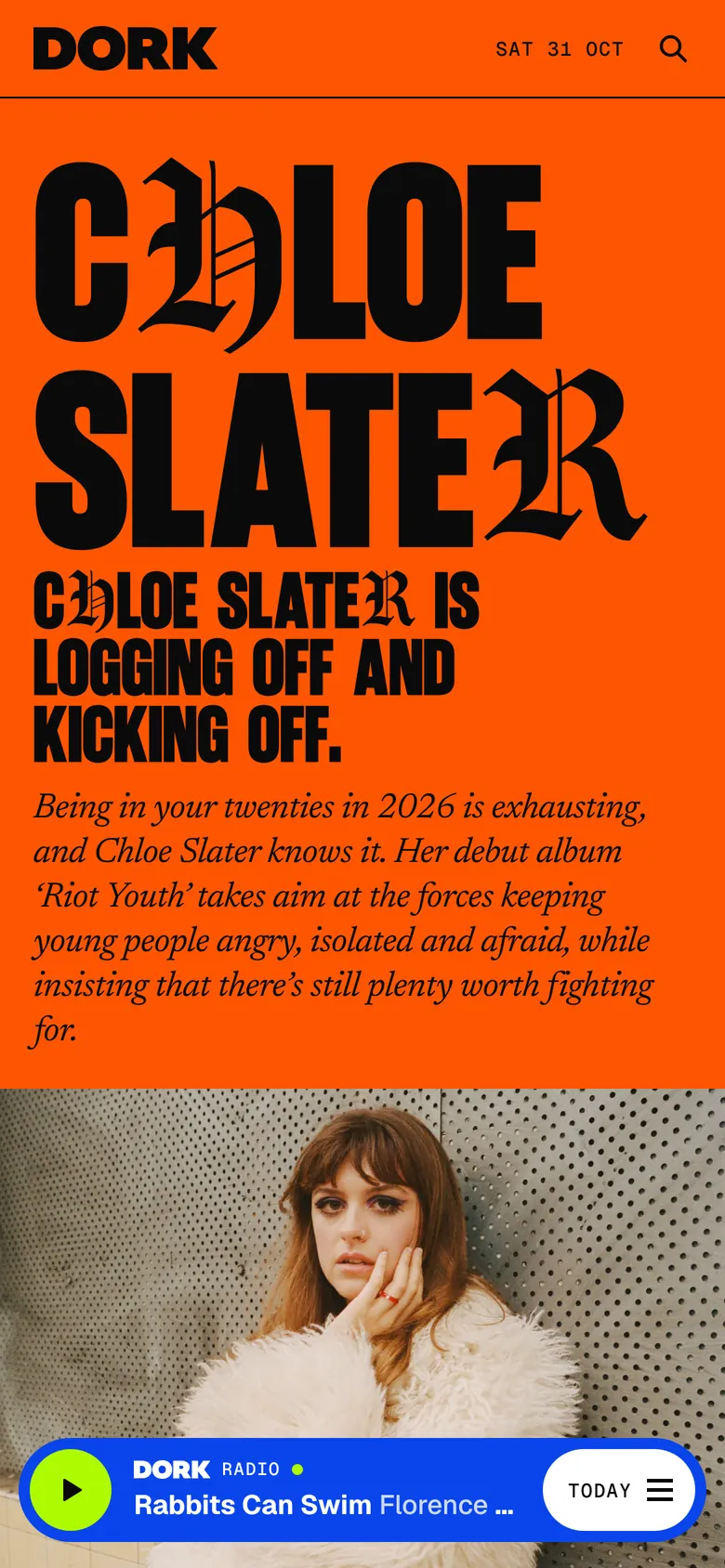
Today · Hype · Listen · Live
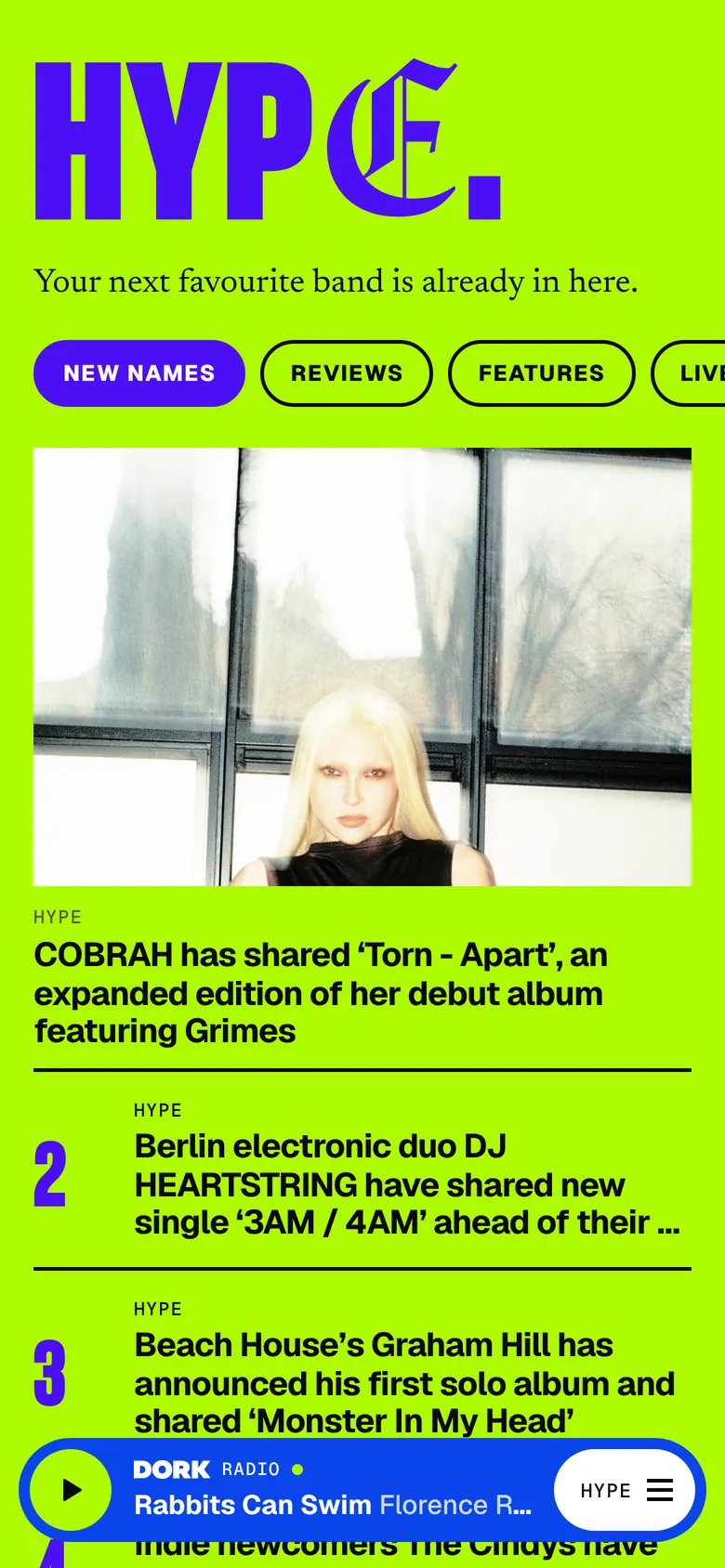


The Dork Radio player sits at the foot of every screen, and keeps playing with your phone locked.
On iPhone and iPad, Dork+ members read every issue page by page, and can keep one offline for the train.
On the webJoin Dork+ Digital in the app, billed through the App Store. Already a member on readdork.com? Sign in and it opens in the app.
On the webDork Radio on your car’s screen: every station with what’s playing, and the Dork podcasts, with the steering-wheel buttons working. On iPhone.
Dork’s shop in the app: browse by section, fill a bag and check out on Shopify’s own page. Links to the shop on readdork.com open in the app.
On the webDork’s live desk, post by post, as things happen. A link to a post lands on that post.
On the webYour artists, breaking news, on-sale reminders and gigs in your city. You choose which, how many a day and your quiet hours.
Follow an act from its page: its stories come first in Catch up, and you hear when Dork writes about it.
On the webA long feature remembers where you stopped, and offers to carry on from there next time.
On iPhone: hear a song in a shop or a pub, and Overheard names it, then shows you what Dork has on the artist.
On iPhone: Dork Radio, headlines, the Newsroom and the Readers’ Poll on your home screen, and Siri shortcuts to play Dork Radio or catch up on the news.
Dork Radio and a news reader on your wrist, and PEAS, the Pop Emergency Alert System: a full-screen story alert, red for breaking news, with Read on watch.
Dork’s app icon in six colours: blue, ink, lime, yellow, pink or violet.

Get the Dork app.
On iPhone, iPhone Duo, iPad, Apple Watch and CarPlay. Apple TV coming soon. Everything here is on readdork.com too.
 Dork RadioDown with boring